
Finding the Perfect Laptop, MacBook, and Desktop Rental Company: A Tech Enthusiast's Guide
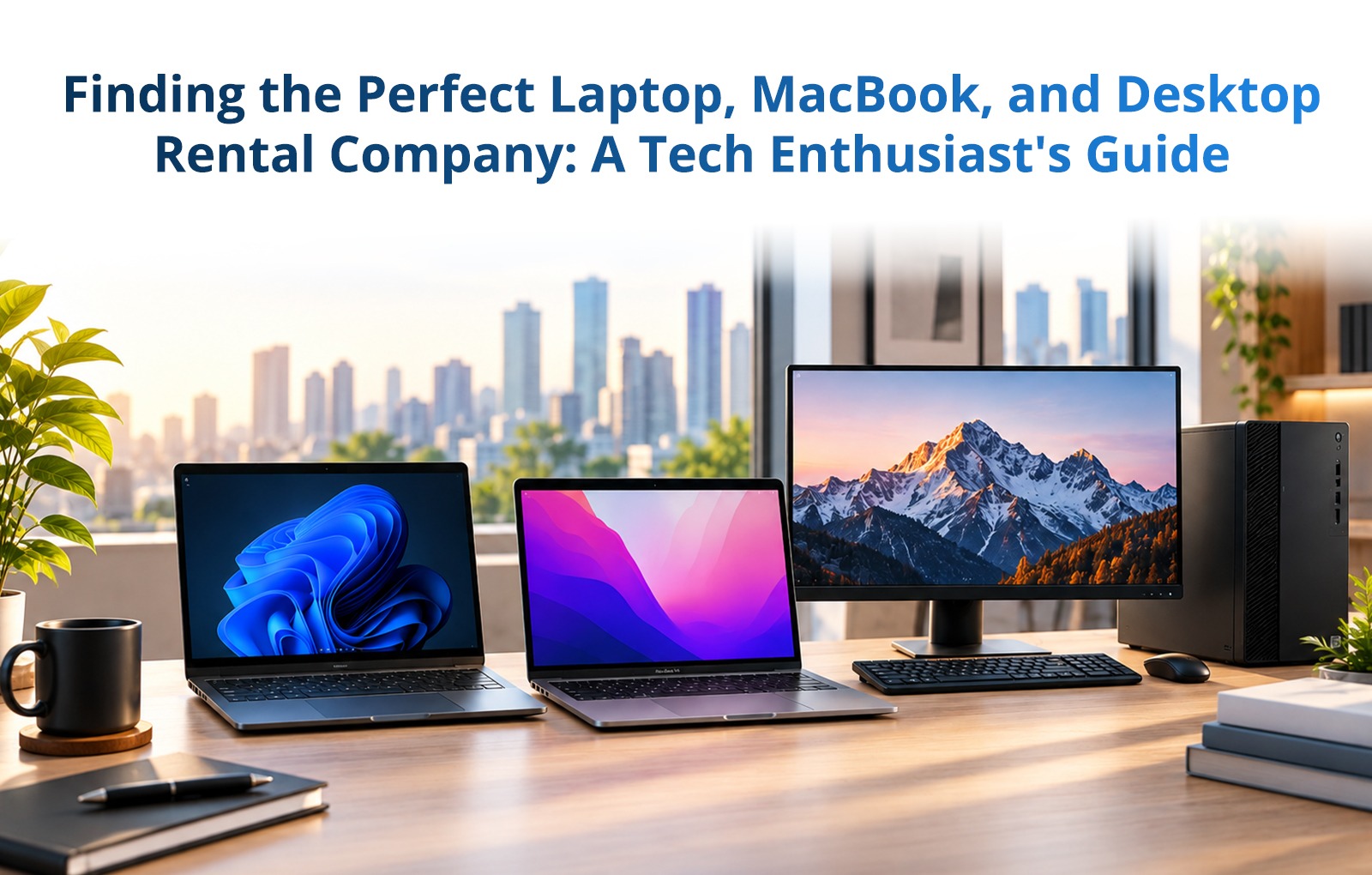
Finding the Perfect Laptop, MacBook, and Desktop Rental Company: A Tech Enthusiast's Guide
In a world of ever-advancing technology, keeping up with the latest gadgets and equipment is a must. However, not everyone can afford to purchase a new laptop, MacBook, or desktop every time a new model is released. This is where laptop and desktop rental companies come to the rescue. But choosing the right rental company is not a decision to be taken lightly. Let's delve into some key considerations that will help you pick the ideal service provider.
Reputation and Customer Reviews: The Foundation of Trust
When evaluating a rental company, consider their reputation, which includes factors such as how long they've been in business, their partnerships with reputable brands, and their customer service history. Look for trust indicators like awards, industry affiliations, and client testimonials to ensure a safe rental experience.
Customer reviews are a treasure trove of information. Dive into them to learn about the condition and performance of rented equipment, the responsiveness of customer support, and the overall rental experience. Keep in mind that a few negative reviews are normal, but if a company consistently receives poor feedback, it's a red flag.
Pricing Structures: Aligning with Your Budget
Understanding a company's pricing structure is essential for effective budget management. Costs can vary based on the device's specifications and quality. For instance, high-performance laptops may cost more than standard models. Consider whether the rental company offers discounts for longer rental durations or bulk rentals.
Maintenance, Repairs, and Replacements: Tech Troubles Covered
When it comes to addressing technical issues, you should be well-informed about the company's policies. A reputable rental company will have a clear process for maintenance, repairs, and replacements in case of device malfunction. Ask about their response times, whether they offer on-site support, or if you need to ship the device for repairs. Additionally, inquire if they provide loaner equipment during repairs to minimize downtime.
Hidden Fees and Rental Agreement Terms: Read the Fine Print
Reading the rental agreement thoroughly is essential to avoid any unwelcome surprises. Be on the lookout for hidden fees, such as charges for late returns, damage beyond normal wear and tear, or missing accessories. Some companies may also require additional insurance coverage for high-value rentals. Understanding the terms of your rental agreement, including its duration, return policies, and responsibilities in the event of damage or loss, is crucial to prevent misunderstandings later on.
Data Security and Privacy: Safeguarding Your Digital World
When it comes to renting technology equipment, ensuring your data security and privacy is paramount. Here are the technical steps and considerations to examine when assessing a rental company's commitment to safeguarding your digital assets:
1. Data Erasure and Sanitization:
Inquire about the data wiping process the rental company employs before a device is rented to a new client.
Ask whether the rental company follows industry-standard data sanitization practices. This includes not only removing data from storage drives but also ensuring that remnants of data cannot be recovered.
2. Security Software and Encryption:
Check if the rental company provides any pre-installed security software. This might include antivirus, anti-malware, or firewall software to protect the device from online threats during your rental period.
Inquire about the presence of data encryption features. Encryption ensures that the data on the device is stored in a format that is unreadable without the appropriate encryption key.
3. Network Security:
If you plan to connect the rented device to the internet, ask about the company's Wi-Fi security measures. Ensure they have protocols in place to protect your data when accessing public or shared networks.
Understand if the device is equipped with firewalls and network protection tools. These technologies help shield your device from cyber threats while online.
4. Privacy Policies:
Review the company's privacy policy. It should clearly outline how they handle and protect your personal and sensitive data, ensuring compliance with privacy regulations. A trustworthy company will be transparent about their data handling practices.
5. Physical Security:
Consider the physical security of the rental company's facilities. Ask about their access control measures and surveillance to protect the equipment from theft and unauthorized access.
6. Passwords and Authentication:
Ensure the device requires strong, unique passwords for access. The rental company should encourage users to create strong, hard-to-guess passwords, and you should change them as soon as you receive the device.
7. Regular Security Updates:
Inquire about how the rental company manages software updates and security patches. Regular updates are vital for addressing known vulnerabilities and keeping your device secure.
Equipped with this information on selecting the best laptop, MacBook, and computer rental firm, step into your tech exploration journey with confidence. While seeking the best deal, ensure the supplier provides high-quality machines and services.
Whether you're a student in need of a laptop for a semester, a business professional on a temporary project, or a tech enthusiast eager to explore the latest gadgets, a reliable rental company can be your tech-savvy savior.
With Rentla - the right rental partner, your tech journey will be smooth, seamless, and full of possibilities.
Happy renting!
Renting IT equipment in Chennai?
Laptops, MacBooks and workstations for teams and projects, delivered, set up and supported. Rent one or hundreds.