
Data Security Laptop Rental India | IT Manager Guide | Rentla
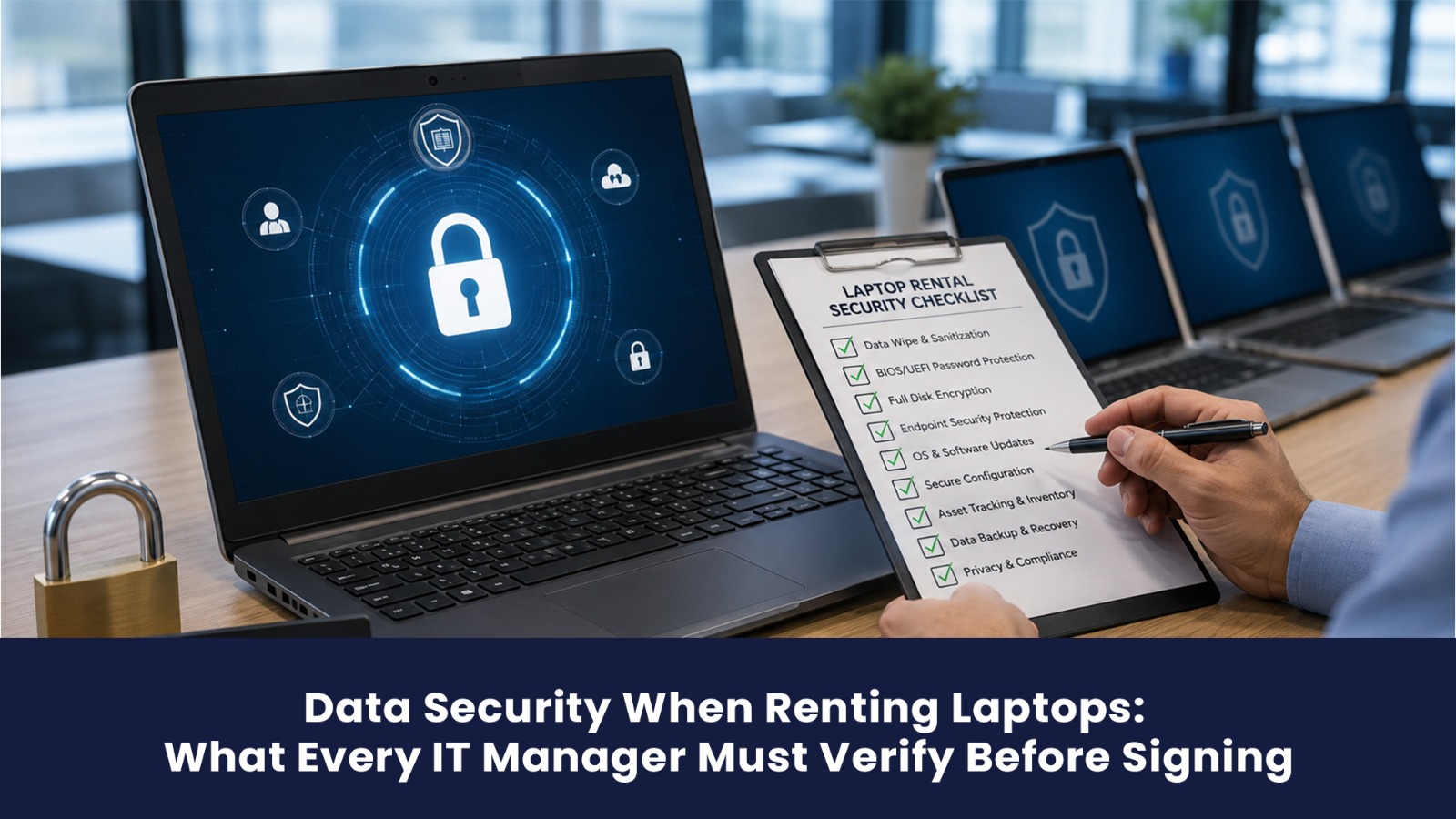
| Quick Answer | Quick Answer: The biggest data security risk in laptop rental is at the point of return what the vendor does with the device after it comes back. Every IT manager must verify: the vendor's data destruction standard (minimum: DoD 5220.22-M; better: NIST 800-88 Purge for SSDs), whether a written certificate is issued per device, and whether the vendor's contract explicitly commits to data security obligations. Rentla performs NIST 800-88 Purge-level wipes on all returned devices, with a per-device certificate. |
Renting laptops introduces data security risks that owned hardware does not. With owned hardware, your IT team controls the full lifecycle from provisioning to decommissioning. With rented hardware, you temporarily control the device, then return it to a vendor who will re-deploy it to their next client.
If your data is still on that device when it reaches the next client, you have a data breach regardless of whether anyone actually accesses it. Under India's Digital Personal Data Protection Act (DPDPA) 2023, organisations are responsible for protecting personal data processed on their behalf, which includes data on rented devices.
This guide covers every data security checkpoint IT managers must verify before signing a rental agreement.
The 4 Data Security Risk Points in a Rental Lifecycle
| Risk Point | What Can Go Wrong | How Rentla Mitigates |
| Device delivery | Pre-existing data from previous user | Fresh OS image on every delivery |
| During use | Unauthorised access to device | Client's responsibility MDM enrollment supported |
| Device loss/theft | Unauthorised data access | Remote wipe capability via MDM |
| Device return | Data accessible to next user | NIST 800-88 Purge + destruction certificate |
Data Destruction Standards: What They Mean
Not all "data wipes" are equal. Here is what each standard actually does:
| Standard | Method | Suitable For | SSD/NVMe |
| Simple format / reinstall | Removes file pointers only data still recoverable | Not suitable for business data | Not suitable |
| DoD 5220.22-M (3-pass overwrite) | Overwrites all sectors 3 times | HDD acceptable for most business use | Partially effective on SSDs |
| NIST 800-88 Clear | Overwrites or crypto-erase | HDD and SSD good standard | Yes (most SSDs) |
| NIST 800-88 Purge | Secure erase + cryptographic erasure | SSD/NVMe the current gold standard | Yes (NVMe, Secure Enclave) |
| Physical destruction | Shredding, degaussing | Classified/defence overkill for most | Yes (absolute) |
Why SSDs need a higher standard: Traditional DoD 3-pass overwriting works on HDDs but is not fully effective on SSDs and NVMe drives due to wear-levelling data written to "erased" sectors may still reside in reserved blocks. NIST 800-88 Purge uses the drive's own Secure Erase command, which is the only reliable method for modern NVMe drives.
Rentla's standard: NIST 800-88 Purge on all SSD and NVMe drives. DoD 5220.22-M on legacy HDD systems. A written certificate is issued per device with: serial number, destruction date, method used, and operator name.
What Your Rental Agreement Must Say About Data Security
Most rental agreements are written for asset protection (protecting the vendor's hardware) — not data security (protecting your data). Before signing, verify these clauses are explicitly present:
| Clause | What It Must Say |
| Data destruction commitment | Vendor commits to a named standard (DoD or NIST) within a specified timeframe after return |
| Certificate provision | Vendor will issue a written data destruction certificate per device within 7 days of return |
| Liability for data breach | Vendor accepts liability for data breaches caused by improper data destruction |
| Interim security | Vendor confirms devices are securely stored between return and destruction |
| Audit rights | You have the right to audit the vendor's data destruction process |
If any of these are absent from the draft agreement, request an addendum before signing.
MDM Integration: Securing Devices During Active Rental
Mobile Device Management (MDM) is the security layer that protects data while the device is in use. For corporate rental deployments, Rentla supports MDM enrollment at the time of provisioning:
| MDM Platform | What It Enables |
| Microsoft Intune | Policy enforcement, BitLocker management, remote wipe |
| Jamf (macOS) | FileVault encryption, app management, remote lock/wipe |
| VMware Workspace ONE | Cross-platform device management |
| Google Workspace MDM | Basic device management for Google-ecosystem companies |
Rentla's MDM enrollment process: At the time of device provisioning, Rentla's setup team enrolls each device into your MDM instance using your provided enrollment credentials. The device is under your MDM policy from day one of deployment.
DPDPA 2023 Compliance and Laptop Rental
India's Digital Personal Data Protection Act 2023 requires organisations to implement appropriate technical and organisational measures to protect personal data. For laptop rental, this means:
- Data minimisation: Don't store personal data on rented devices beyond operational necessity
- Encryption: Enable BitLocker or FileVault on all rented devices handling personal data
- Return protocols: Establish a clear process for data removal before device return
- Vendor accountability: Your rental agreement must include data security obligations on the vendor
Rentla's standard rental agreement includes a DPDPA-compliant data security addendum covering destruction obligations, certificate provision, and liability allocation.
Key Takeaways
- The highest data risk in rental is at return. NIST 800-88 Purge is the minimum acceptable standard for SSD/NVMe devices
- A simple format or OS reinstall does not constitute a secure data wipe data remains recoverable
- Rental agreements must explicitly name the destruction standard, certificate provision, and vendor liability
- MDM enrollment at provisioning gives you remote wipe capability and policy enforcement throughout the rental
- DPDPA 2023 applies to data on rented devices the organisation renting the hardware is responsible
Frequently Asked Questions
What data destruction certificate does Rentla provide on returned devices?
Rentla issues a per-device data destruction certificate containing: device serial number, make and model, destruction date, destruction method (NIST 800-88 Purge or DoD 5220.22-M where applicable), and the name of the Rentla operator. Certificates are provided within 7 working days of device return.
Can I perform my own data wipe before returning devices to Rentla?
Yes. You are welcome to perform your own data wipe using your IT team's tools before returning devices. This is a belt-and-suspenders approach; Rentla will still perform its standard wipe after receipt. Many security-conscious enterprises do this, particularly for devices that handled sensitive client or financial data.
What happens to rented devices between when they are returned and when they are wiped?
Rentla stores returned devices in a secured facility with access controls until the data wipe is performed. The destruction is typically completed within 48 hours of receipt. Devices are not redeployed to any other client until the destruction certificate is generated.
Does Rentla support Secure Enclave wipe for Apple Silicon MacBooks?
Yes. Apple Silicon MacBooks (M1, M2, M3) use the Secure Enclave for encryption key management. Rentla performs the Apple-prescribed Erase All Content and Settings process for M-series MacBooks, which cryptographically destroys the encryption key rendering all data on the device unrecoverable. A destruction certificate is issued confirming this process.
Renting IT equipment in Chennai?
Laptops, MacBooks and workstations for teams and projects, delivered, set up and supported. Rent one or hundreds.